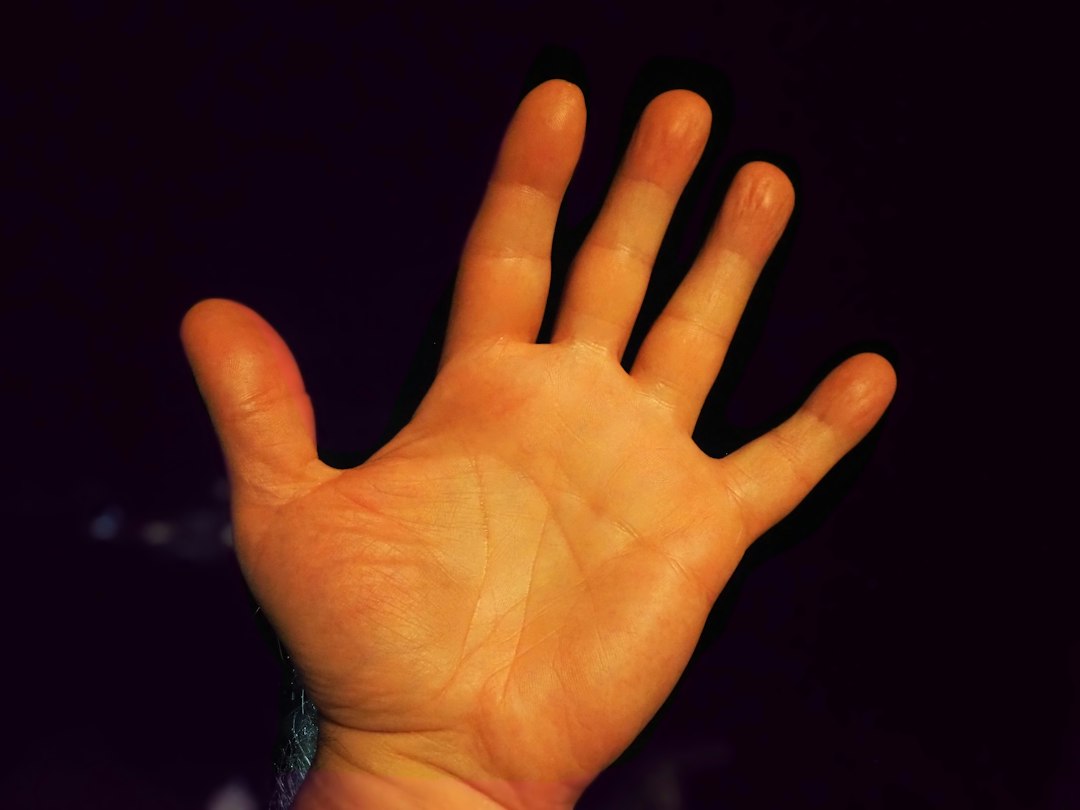
The Persistent Challenge: Why AI Generated Hands Fail
AI-generated imagery has swept the creative world by storm, yet one anomaly continues to undermine the realism of even the most masterfully crafted prompts: distorted hands. Whether you are generating character portraits, fantasy scenes, or professional product shots, the human hand remains one of the most difficult anatomical structures for models like Midjourney to render accurately. This guide provides a comprehensive framework for troubleshooting, diagnosing, and resolving these distortion issues. We will delve into the underlying causes of why this problem persists, explore preventative prompt engineering techniques, and outline a robust, multi-stage repair workflow that can save your favorite compositions from the digital scrap heap.
The difficulty stems from a combination of factors inherent to machine learning. Hands possess an almost infinite range of articulation, with 27 bones and dozens of muscles allowing for complex, context-dependent poses. Unlike a face or a torso, a hand’s appearance changes dramatically based on its action. Furthermore, in the massive datasets used to train models, hands often occupy a small, inconsistently lit portion of the image. This "data bias" means the AI has fewer clean examples to learn from, leading to errors like extra fingers, fused digits, or unnaturally rigid poses. Recognizing this fundamental challenge is the first step toward regaining control over the final output.
Proactive Prevention: Prompt Engineering That Works
The most effective strategy for fixing hand distortion is to prevent it from happening in the first place. The initial text prompt is your primary lever of control. By structuring your instructions carefully, you can significantly increase the probability of generating anatomically correct hands.
1. Strategic Prompt Positioning
The placement of your hand-related keywords within the prompt matters. AI models often assign more "weight" to terms appearing earlier in the text string. Instead of burying a request for detailed hands at the end of a long prompt, place it near the beginning.
- Ineffective: "A woman sitting at a wooden desk with detailed hands holding a pen."
- Effective: "Detailed realistic hands, a woman sitting at a wooden desk, holding a pen."
2. Describe Actions, Not Just Appearance
Specifying what a hand is doing provides the AI with crucial contextual information that often yields more anatomically plausible results than simply describing how you want it to look.
- Vague: "A man with his hands in a strange position."
- Action-Oriented: "A man with his hands clasped together in thought," or "A hand gripping a ceramic coffee cup."
3. Conceal Complex Poses When Possible
If the hand is not the central focus of your image, the simplest way to avoid distortion is to hide it. This is a highly effective troubleshooting tactic for background characters or secondary elements.
- Use Poses That Conceal: "Hands in pockets," "arms crossed," "hands behind back," "hands out of frame," or "cropped at the waist."
4. Utilize Negative Prompts Wisely
In Midjourney V6 and later, the negative prompt (--no) is a valuable tool for suppressing common errors. Keep the list short and targeted to avoid confusing the model.
- Example:
--no extra fingers, mutated hands, deformed hands, missing fingers - Note: This is a supplementary technique, not a cure-all. It works best when combined with the proactive strategies above.
Diagnostics & Solutions: A Step-by-Step Repair Workflow
When prevention fails and you are left with a flawed image, a structured diagnostic and repair process is essential. Haphazardly re-rolling the entire image often destroys a perfect composition, face, or lighting setup. Instead, follow this systematic four-step workflow.
Step 1: "Lighten the Load" on the Hand Prompt
Go back to your original prompt and simplify the instructions related to the problematic hand. If you asked for "intricate fingers interlaced with a glowing orb," simplify it to "hand resting on a surface." Reduce the complexity of the pose and specify the location of the other hand (e.g., "left hand in pocket, right hand holding a sword"). This reduces the cognitive load on the model for the next steps.
Step 2: Batch Generate and Cull
Generate a batch of four variations from your simplified prompt. Do not accept the first result. Carefully inspect all four images. Your goal here is not to find a perfect image, but to find an image with a perfect composition, lighting, and face, even if the hand is still slightly off. This isolates the problem to a single region.
Step 3: Regional Inpainting (The Core Solution)
Take the best image from your batch and use an inpainting tool to repair only the hand. Inpainting tells the AI to generate content within a specific masked area while preserving the rest of the image.
- How to do it in Midjourney: Use the "Vary (Subtle)" or "Vary (Strong)" function, but select only the region containing the hand. This is often called "Vary Region."
- Crucial Tip: When you re-prompt for the inpainted region, repeat the style keywords from your original prompt (e.g., "photorealistic, detailed skin texture, soft studio lighting") to ensure the new hand matches the surrounding image seamlessly.
Step 4: Model Fallback and Full Regeneration
If the same composition consistently fails across multiple inpainting attempts, the issue may be too structural for regional edits. In this case, your final troubleshooting step is to switch models. Different AI models have varying strengths; a pose that Midjourney struggles with might be rendered perfectly by another model. Using a multi-model platform allows you to generate a complete fallback image with the same prompt, which you can then evaluate as a last resort.
Comparing Repair Tools: Midjourney Vary Region vs. Photoshop Generative Fill
Choosing the right tool for the job is a critical part of diagnostics. The table below compares two of the most powerful repair methods across key dimensions to guide your decision-making.
| Dimension | Midjourney Vary Region | Adobe Photoshop Generative Fill |
|---|---|---|
| Speed & Workflow | Faster. Entirely within the Midjourney interface; no need to export or re-import images. Ideal for quick, iterative fixes. | Slower. Requires exporting the image, opening it in Photoshop, and going through a multi-step masking and generation process. |
| Control & Precision | Good Structural Control. Excellent for fixing the underlying anatomy (finger count, bone structure) when the pose is correct. | Superior Surface & Texture Control. Best when the hand's structure is correct, but you need to refine skin texture, lighting, or blend edges seamlessly. |
| Best Use Case | Fixing a hand with a clear anatomical error (e.g., six fingers, a twisted wrist) in an otherwise perfect image. | Refining a hand that is structurally sound but has inconsistent lighting, a blurry texture, or a hard seam against the background. |
| Learning Curve | Low. The functionality is built directly into the Midjourney UI and is intuitive to use with simple masking. | Moderate to High. Requires familiarity with Photoshop's selection tools, masks, and the Generative Fill interface. |
Advanced Strategies and Common Pitfalls to Avoid
To truly master the art of fixing hand distortion, it is important to avoid common mistakes that can sabotage your efforts. Even experienced users can fall into these traps.
- Avoid Over-Prompting the Negative List: A long list of negative constraints (
--no) can overwhelm the model and lead to unpredictable results. Stick to a maximum of 3-4 targeted terms. - Select the Right Area for Inpainting: Masking an area that is too small can create hard, unnatural seams. Masking an area that is too large risks altering parts of the image you want to keep. Aim for a selection that includes the entire hand plus a small buffer of surrounding context.
- Know When to Reroll vs. Inpaint: This is a fundamental diagnostic question. If two or more major structural elements are wrong (e.g., the face, the hand, and the pose are all broken), inpainting will be ineffective. In this case, you must "reroll" or regenerate the entire image. Inpainting is only for when a single, isolated region fails.
- Respect the Aspect Ratio: Working with cropped or portrait aspect ratios reduces the context the AI has to work with, increasing the risk of seams. Always perform your initial generation and inpainting at the native aspect ratio, and crop the final image afterward if necessary.
Conclusion: Mastering the Anatomy of AI Realism
Learning how to fix midjourney hand distortion issues in AI generated hands is a rite of passage for anyone serious about AI art. It requires a blend of proactive prompt engineering and reactive troubleshooting skills. By understanding the "why" behind the errors, you can craft better initial prompts. By adopting a structured diagnostic approach—lightening the prompt, batching, inpainting, and knowing when to fall back to another model—you rescue your creative vision from the pitfalls of algorithmic imperfection. Remember, the goal is not to achieve a perfect hand on the first try every time, but to have a reliable system for achieving it in the end. With practice, these techniques will become second nature, allowing you to focus on the artistry rather than the anatomy.
FAQS
Q: Why does Midjourney generate hands with extra or missing fingers?
A: This is primarily due to "data bias" and anatomical complexity. Hands are small, highly articulated, and appear in countless poses in training data. The AI struggles to generalize the underlying rules of human anatomy from these varied examples, often resulting in statistical errors like extra or missing digits.
Q: Can negative prompts really fix hand distortion?
A: Negative prompts are a helpful supplementary tool, not a silver bullet. They can suppress common patterns like "deformed hands" or "extra fingers" when used correctly. However, they are most effective when combined with proactive prompt engineering, such as specifying clear hand actions and using simple poses.
Q: What is the fastest way to fix a single distorted hand in an otherwise perfect image?
A: The fastest method is to use Midjourney's "Vary Region" (inpainting) feature. By masking only the problematic hand and re-prompting with a simple, action-oriented description, you can repair the flaw in seconds without altering the rest of the composition.
Q: When should I switch to a different AI model instead of trying to edit the image?
A: You should consider switching models if the hand distortion is part of a larger structural failure. If the face, overall pose, and multiple limbs are all incorrect, regional inpainting will not be sufficient. In this case, using a different model to regenerate the entire image from the same prompt is the more reliable solution.